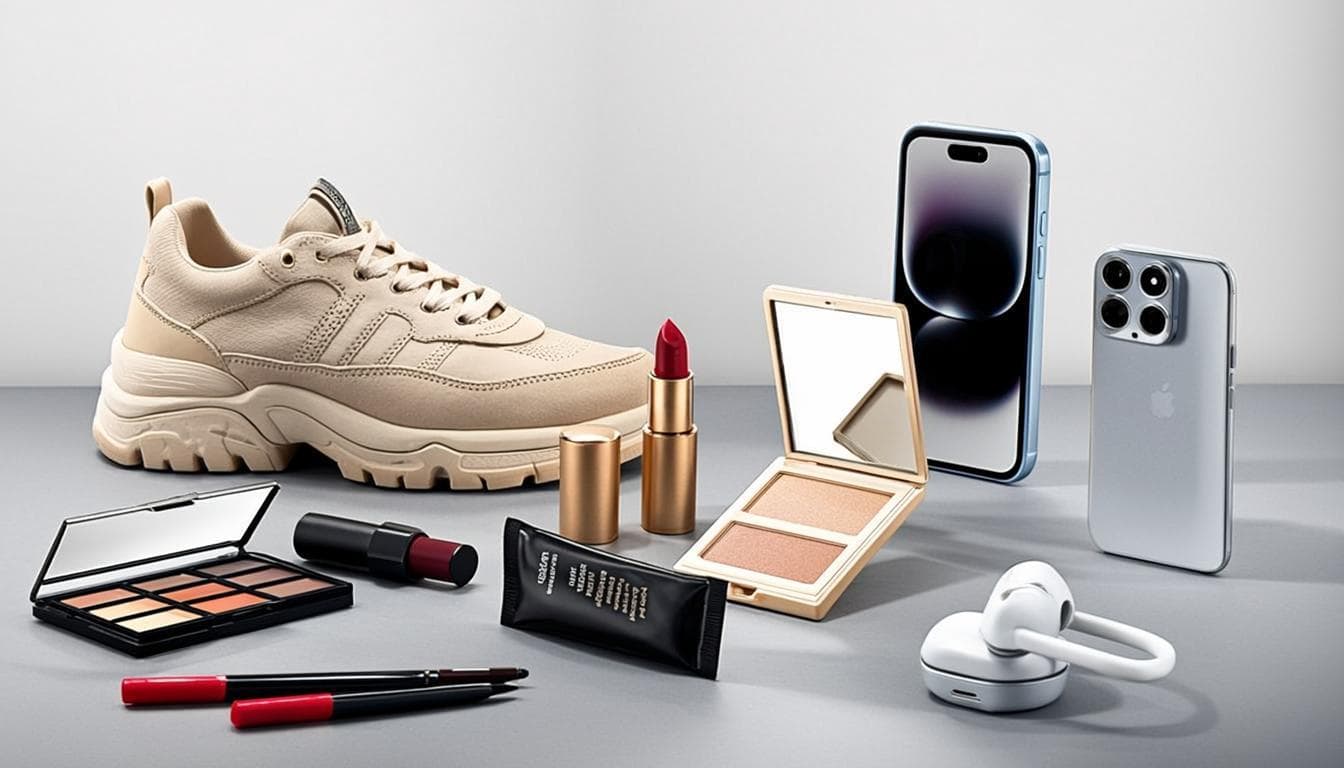
If you sell products online, your product photos are your storefront. Research shows that shoppers form their first impression of a product in under 50 milliseconds, and the background of your image plays a massive role in that split-second judgment. A cluttered, inconsistent, or unprofessional background can make even the best product look cheap.
Why Product Photo Backgrounds Matter More Than You Think
Think about the last time you browsed Amazon or Shopify. The products that catch your eye almost always have one thing in common: a clean, distraction-free background that puts all the focus on the item itself. Major marketplaces know this, which is why many of them have specific image requirements.
Amazon, for example, requires that main product listing images have a pure white background. Etsy strongly recommends clean, well-lit photos. Shopify merchants who use consistent backgrounds across their stores report higher conversion rates and more repeat customers. The pattern is clear across every platform: clean backgrounds equal more sales.
Studies from e-commerce platforms have found that products with professional-looking images can see click-through rate improvements of up to 30 percent compared to similar products with amateur photos. That is not a small number. For a store doing hundreds of transactions per month, that difference can translate to thousands of dollars in additional revenue.
What Makes a Great E-commerce Product Photo
Before diving into how to remove backgrounds, it helps to understand what the ideal e-commerce product photo looks like. Here are the key characteristics that separate professional product images from amateur ones:
1. Clean, Solid Background
The most common choice is pure white (RGB 255, 255, 255) because it works on virtually every marketplace and looks clean on any device. Some brands use light gray or a subtle brand color, but white is the safest and most widely accepted option.
2. Even, Natural Lighting
Harsh shadows or uneven lighting make products look unappealing. The best product photos use soft, diffused lighting that illuminates the product evenly without creating distracting dark spots or hot spots.
3. Proper Resolution and Aspect Ratio
Most marketplaces recommend images that are at least 1000 pixels on the longest side. Amazon specifically requires at least 1000 by 1000 pixels for the zoom feature to work. Square aspect ratios (1:1) are the most versatile and work well across all platforms.
4. Accurate Color Representation
Your product colors need to match what the customer will actually receive. Shooting in natural daylight or using a color-calibrated setup helps ensure the colors in your photo are true to life.
Marketplace-Specific Requirements
Each major e-commerce platform has its own rules and best practices for product images. Here is a quick reference for the most popular ones:
Amazon
Amazon has the strictest image requirements of any major marketplace. The main product image must have a pure white background with the product taking up at least 85 percent of the image frame. No text, logos, watermarks, or additional graphics are allowed on the main image. Images must be at least 1000 by 1000 pixels, and Amazon recommends 1600 by 1600 pixels for optimal zoom. The accepted formats are JPEG, TIFF, and GIF, with JPEG being the most common choice.
Shopify
Shopify is more flexible than Amazon but still rewards clean images. The recommended size is 2048 by 2048 pixels for square product photos. Shopify automatically handles resizing for different themes and devices, so uploading high-resolution images gives the best results. There are no strict background color requirements, but successful Shopify stores tend to use white or very light backgrounds for consistency.
Etsy
Etsy caters to handmade and unique items, so the photography style can be more creative. However, Etsy recommends images that are at least 2000 pixels wide for the first listing photo. While lifestyle photos with natural backgrounds are encouraged, having at least one clean background photo per listing helps with search visibility and gives buyers a clear view of the product.
eBay
eBay recommends images of at least 1600 by 1600 pixels and allows up to 12 photos per listing. While eBay does not mandate white backgrounds, listings with clean, professional photos consistently outperform those with cluttered or low-quality images.
How to Remove Backgrounds from Product Photos
Now that you understand why clean backgrounds matter and what the major marketplaces expect, here is how to actually remove backgrounds from your product photos. The process is straightforward and can be done in three simple steps.
Step 1: Take a Good Source Photo
The quality of your final image depends heavily on the source photo. Even the best AI background removal tool cannot fix a fundamentally bad photo. Here are some tips for capturing great source images:
Shoot in natural daylight near a window, or use a simple lightbox setup. Position your product on a flat surface with enough distance from the background to create clear separation. Use a smartphone with a decent camera; modern phones are more than capable for product photography. Make sure the product is in sharp focus and well-lit from multiple angles to avoid harsh shadows.
Step 2: Remove the Background with AI
Upload your product photo to an AI background removal tool like SlickBG. The AI engine will automatically detect your product and remove the background in a matter of seconds. The entire process happens in your browser, so your product images are never uploaded to any server. This is especially important for e-commerce sellers who want to protect their product photos from competitors.
For the best results with product photos, make sure there is good contrast between your product and the original background. Solid-colored backgrounds (like a plain wall or poster board) give the cleanest initial cutout. If your product has fine details like fur, lace, or transparent elements, the AI still handles them well in most cases, but a clean source photo makes a significant difference.
Step 3: Add a Clean Background and Export
Once the background is removed, you have a transparent PNG of your product. For Amazon and most marketplaces, you will want to add a pure white background. You can do this by downloading the result as a JPEG (which automatically adds a white background) or using a bulk editor tool to add a white or custom-colored background to your transparent cutout.
If you are using the transparent PNG in a design tool like Canva or Photoshop, you can layer it on any background you like. For marketplace listings, download it as a high-quality JPEG with a white background and upload it directly.
Tips for Processing an Entire Product Catalog
If you have more than a few products, removing backgrounds one at a time can feel tedious. Here are some strategies to speed up the process when working with a large catalog:
Use a bulk background removal tool to upload up to 20 images at once. Most tools process them in parallel, so you can remove backgrounds from an entire batch in the time it takes to do just one. After processing, download all results as a single ZIP file. This saves a huge amount of time compared to downloading each image individually.
For stores with consistent product types, establish a standard background color for your entire catalog. Whether it is pure white, light gray, or a brand color, consistency across your product photos makes your store look professional and trustworthy.
Keep a backup of your original photos before processing. While AI background removal is highly accurate, having the originals means you can always reprocess if you need a different background color or want to take advantage of improved AI models in the future.
Common Mistakes to Avoid
After reviewing thousands of product listings, here are the most common mistakes sellers make when preparing their product photos:
Using low-resolution source photos. Starting with a small or blurry image means the final result will also be low quality. Always shoot at the highest resolution your camera allows.
Cropping too tightly. Leaving some breathing room around your product is important. Most marketplaces require the product to fill 85 percent of the frame, not 100 percent. Some margin makes the image look better on different screen sizes.
Inconsistent backgrounds across listings. If half your products are on white, some on gray, and others on a bedroom wall, your store looks disorganized. Pick one style and stick with it.
Ignoring the thumbnail view. Most shoppers first see your product as a tiny thumbnail in search results. Make sure your product is clearly visible and the background is clean even at small sizes.
The Bottom Line
Clean product photos are not a luxury; they are a requirement for selling online successfully. The good news is that removing backgrounds no longer requires expensive software or professional skills. Free AI tools can do it in seconds, directly in your browser, without uploading your sensitive product photos to any server. Whether you are just starting your first Etsy shop or managing a catalog of thousands of products on Amazon, clean backgrounds will make your listings look professional, build trust with buyers, and ultimately help you sell more.
jvkings
Written by jvkings. Published on June 10, 2026.